Clients
A client is one brand or account you report on. Everything in Level — placements, segments, metrics, reports — is scoped to a client.
A client is the top-level container for the work you do in Level. One client = one brand, one account, one entity you report on. Agencies usually have many clients; in-house teams typically have one.
Every other object in the app — placements, segments, custom metrics, reports — lives under exactly one client. Switch the client and you switch the whole context.
What you'll see
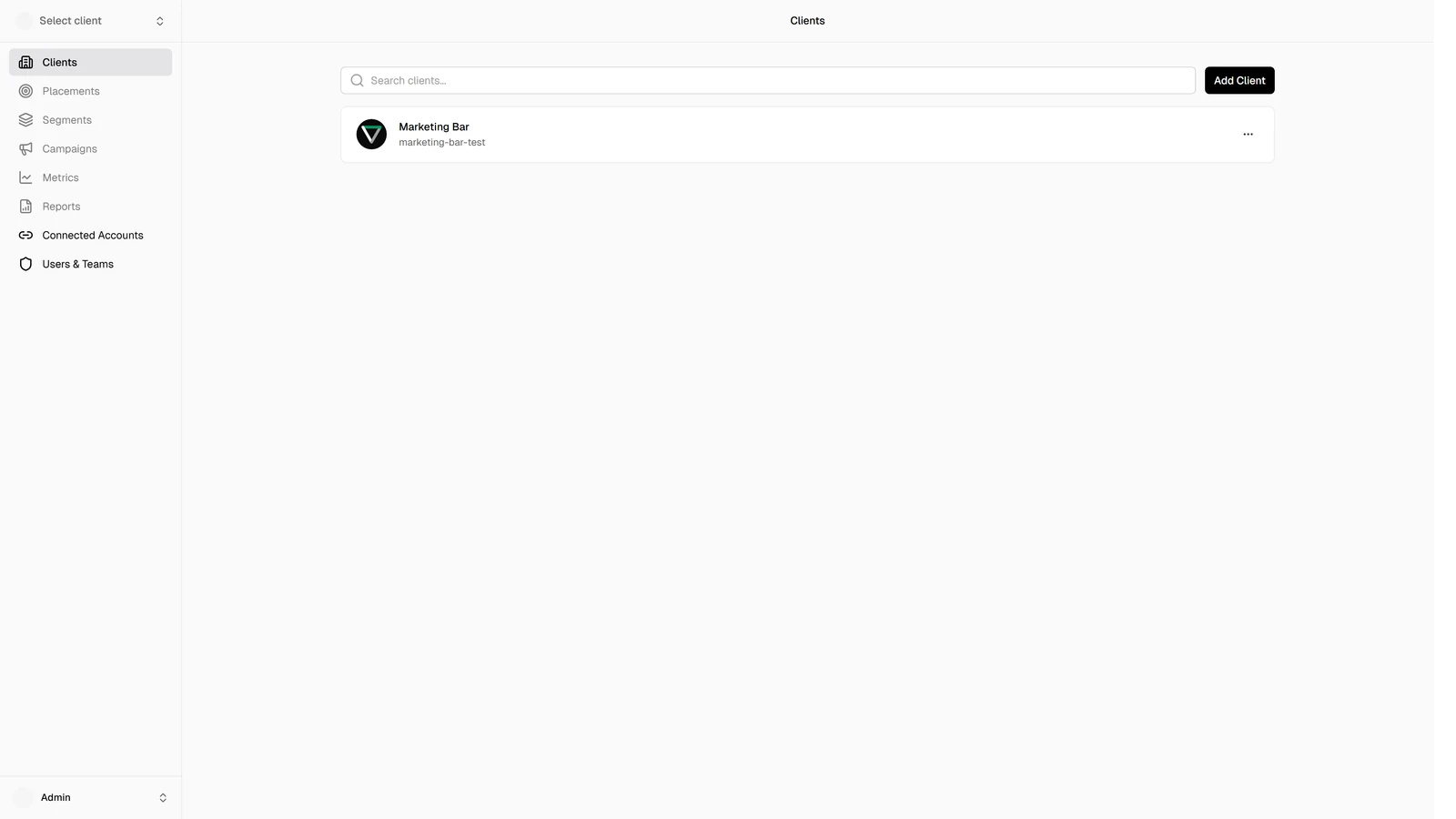
The clients page (/clients) lists every client you have access to. For each one:
- Avatar — round image or coloured initials.
- Name and an optional description below it.
- Edit action (in the row's overflow menu) — only available if you have permission to edit that specific client.
Above the table you have:
- Search — type a name; the list filters as you type (case-insensitive contains-match).
- Add Client — opens the client modal in create mode.
On mobile the same list renders as cards instead of table rows; the controls are the same.
Creating, editing, switching
- Creating a client — name, description, and an optional logo with built-in cropping.
- Managing clients — editing details, swapping the logo, switching between clients via the client switcher.
Permissions
Visibility and edit rights are governed by your role. All members can see the clients they have access to in the list and switcher; only members with the right permission see an Edit button on a given row.
What's stored on a client
The client itself is small — name, description, optional logo, and metadata like timezone and homepage URL. Almost everything that feels like client data — placements, segments, metrics, reports — actually hangs off the client as separate objects:
| Object | Where to manage it |
|---|---|
| Placements (ad accounts wired to this client) | Placements |
| Campaigns (read-only, synced from each placement) | Campaigns |
| Segments (campaign labels — colour + icon + name) | Segments |
| Metrics (system + custom metrics for this client) | Metrics |
| Reports (saved views) | Reports |
When you switch the active client (top-left of the app), every one of these sections re-loads with that client's data.